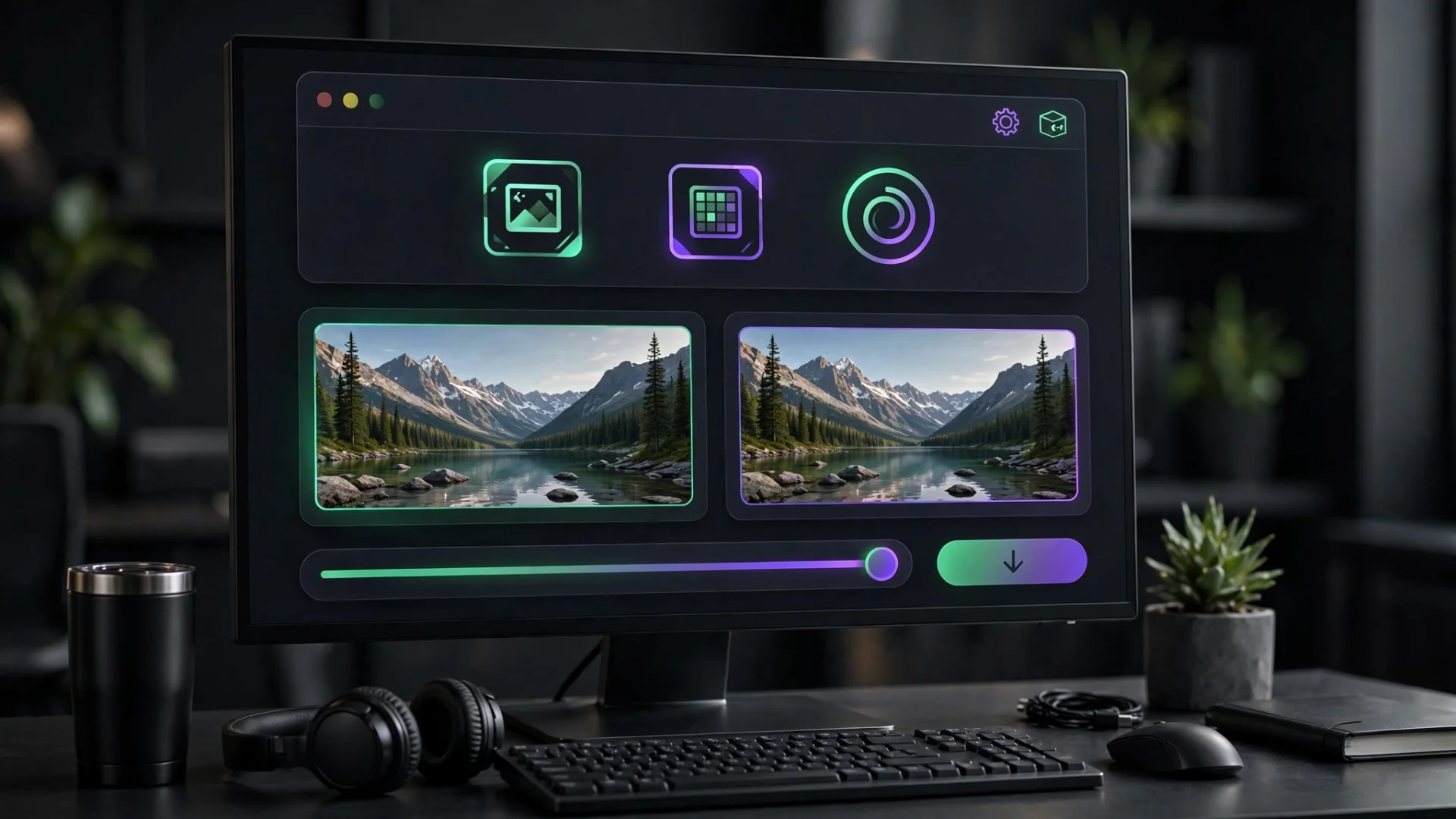
Image Compressor | Compress Images Without Losing Quality
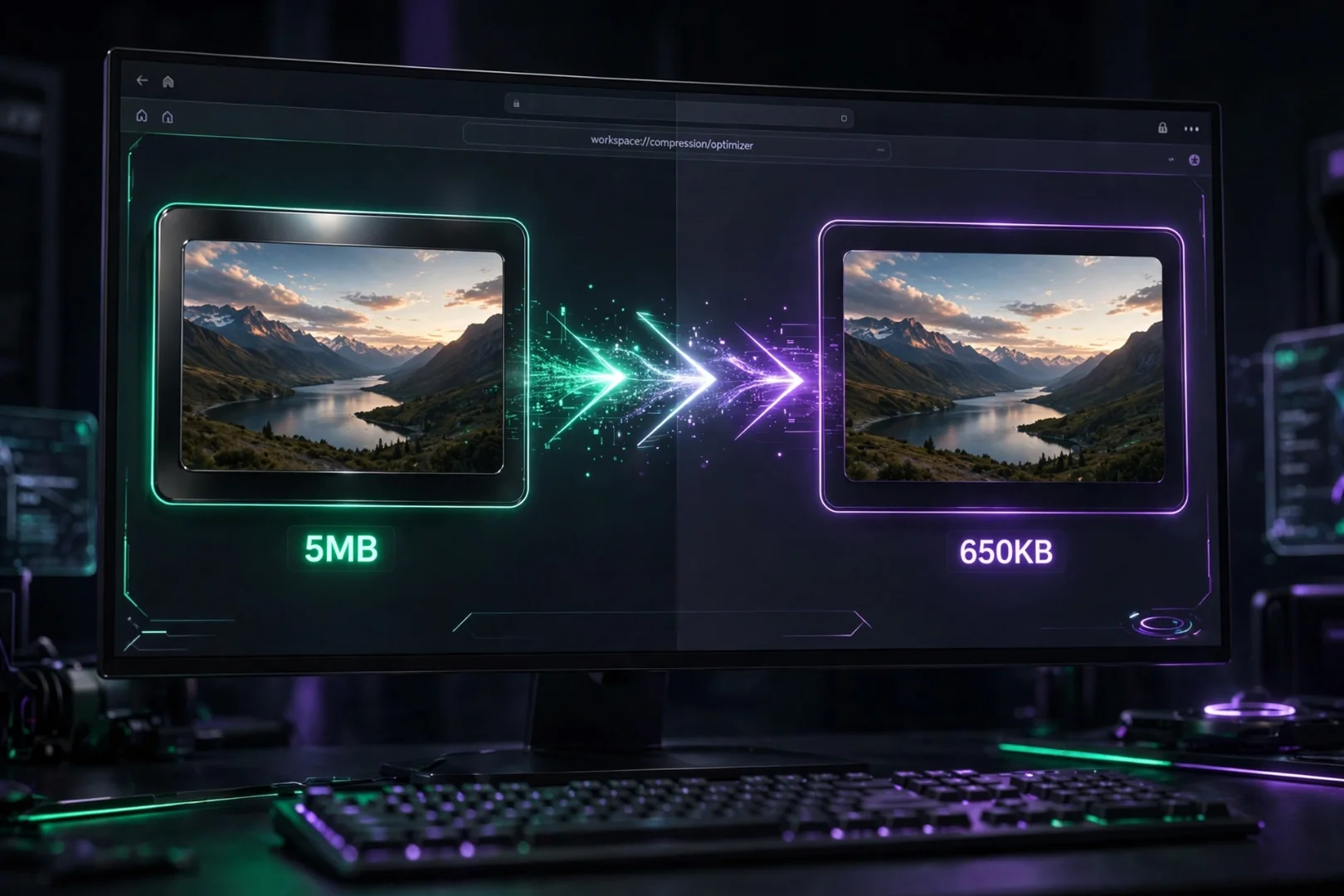
Image Compressor: Reduce Image Size Without Losing Quality
Large image files can slow down websites, consume valuable storage space, and take longer to upload or share. Whether you're managing a blog, running an online store, sending photos by email, or preparing images for social media, reducing file size without sacrificing quality is essential.
Our Image Compressor lets you compress JPG, PNG, and WebP images directly in your browser. Everything happens locally on your device, meaning your files remain private while you enjoy fast compression, flexible settings, and high-quality results.
Unlike many online image compressors, no images are uploaded to a server. Your photos stay on your computer from start to finish.
What Is an Image Compressor?
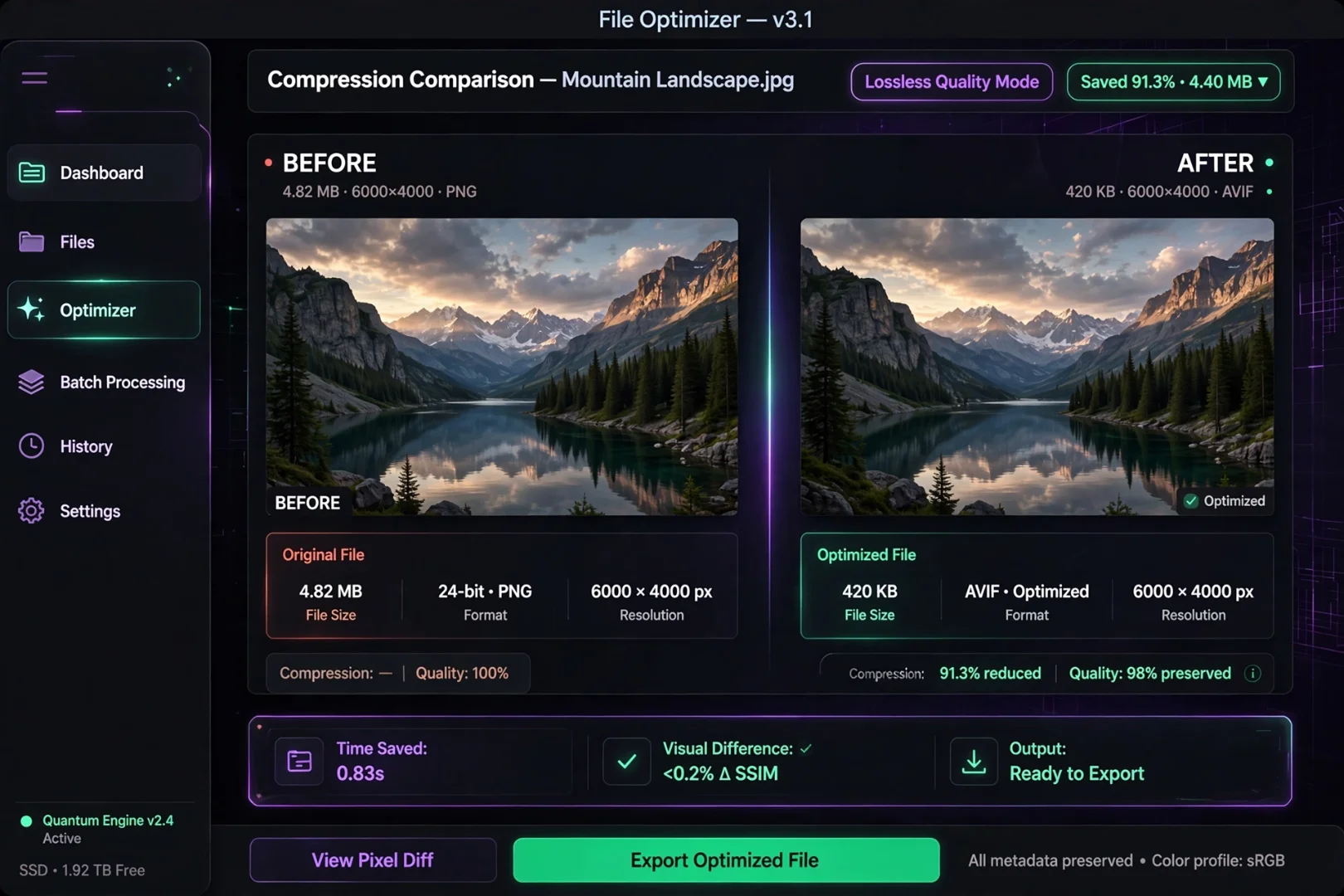
An image compressor reduces the file size of an image while keeping as much visual quality as possible.
Smaller images load faster, require less storage, and improve the performance of websites and applications.
Image compression is commonly used for:
Websites
Blogs
Online stores
Social media
Email attachments
Mobile applications
Digital portfolios
Instead of manually editing every image, a dedicated image compressor automates the process in seconds.
Why Compress Images?
Image compression offers far more benefits than simply reducing file size.
Faster Website Loading
Large images are one of the biggest reasons websites load slowly.
Smaller images help pages open faster, creating a better experience for visitors and improving Core Web Vitals.
Better SEO Performance
Search engines favor websites that load quickly.
Optimized images reduce page weight, improve user experience, and may contribute to stronger search performance over time.
Save Storage Space
Whether you're storing photos on your computer, smartphone, or cloud storage, compressed images require significantly less space.
This is especially useful for photographers and businesses managing thousands of images.
Faster Uploads
Uploading smaller files takes less time.
Whether you're sending email attachments or publishing content to your website, optimized images speed up the entire workflow.
How Our Image Compressor Works
Using the tool is simple.
Step 1: Upload Your Images
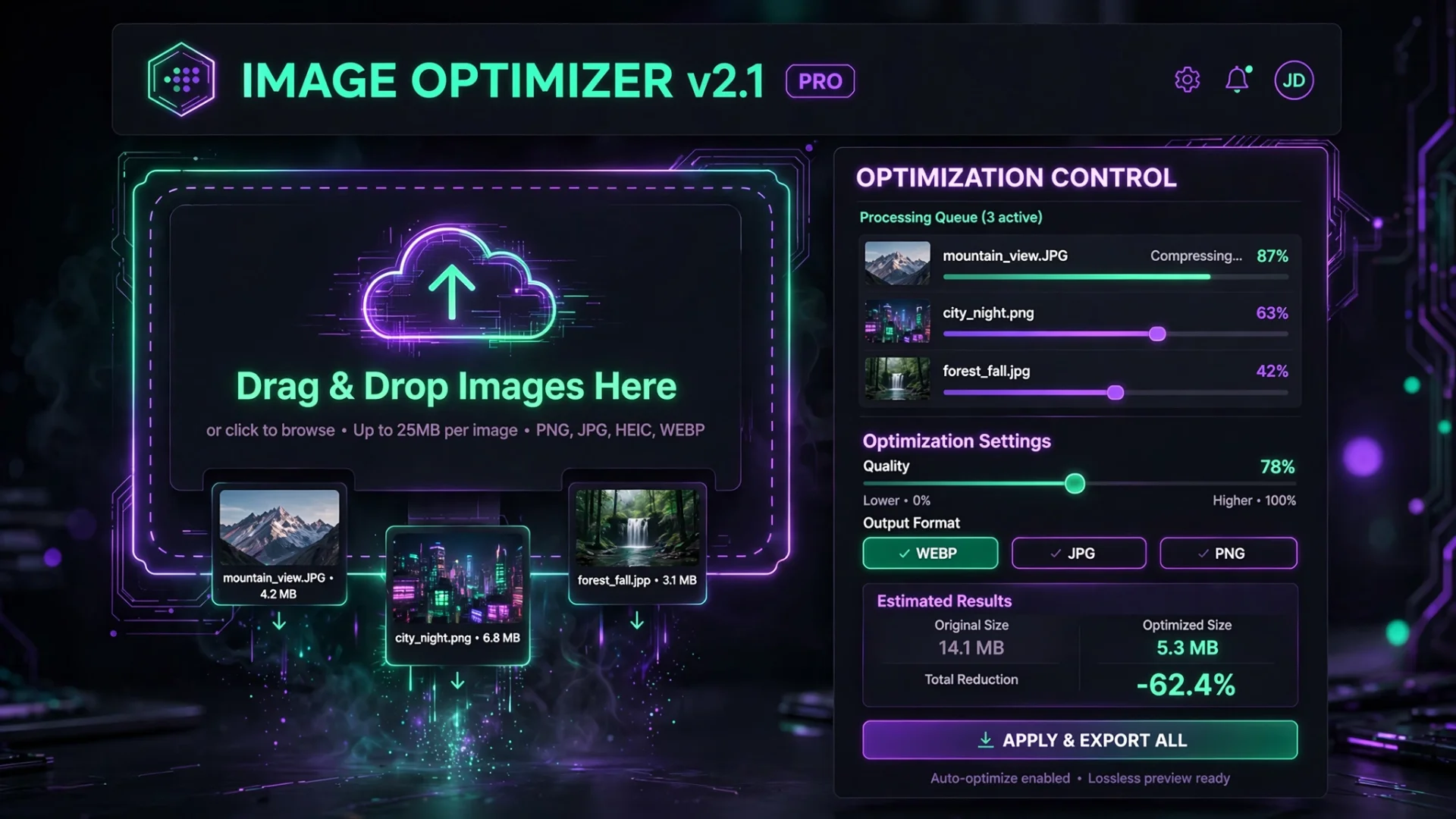
Drag and drop one or multiple images into the upload area, or select them using the file picker.
Supported formats include:
JPG
JPEG
PNG
WebP
GIF
Step 2: Choose Your Settings
Customize compression by adjusting:
Image quality
Maximum width
Maximum height
Output format
Metadata removal
This gives you complete control over the final image.
Step 3: Compress Images
The tool processes each image locally using browser-based compression technology.
During compression, the interface remains responsive thanks to background processing.
Step 4: Download Your Optimized Images
Download each image individually or package your entire batch into a ZIP archive with one click.
Powerful Features
Our Image Compressor includes features designed for professionals as well as everyday users.
Client-Side Compression
Every image is compressed directly inside your browser.
Nothing is uploaded to external servers, helping protect your privacy.
Adjustable Quality
Choose exactly how much compression you want.
Lower quality creates smaller files.
Higher quality preserves maximum visual detail.
Resize While Compressing
Need smaller dimensions?
Simply enter a maximum width or height, and the tool automatically resizes the image during compression.
Convert Image Formats
Convert between:
JPG
PNG
WebP
without needing separate software.
Remove EXIF Metadata
Digital photos often contain hidden information including:
GPS location
Camera model
Date taken
Camera settings
Removing metadata protects privacy while also reducing file size.
Batch Compression
Compress multiple images in one session instead of processing them individually.
Perfect for photographers, bloggers, and businesses.
ZIP Downloads
Working with many images?
Download everything together inside a single ZIP archive.
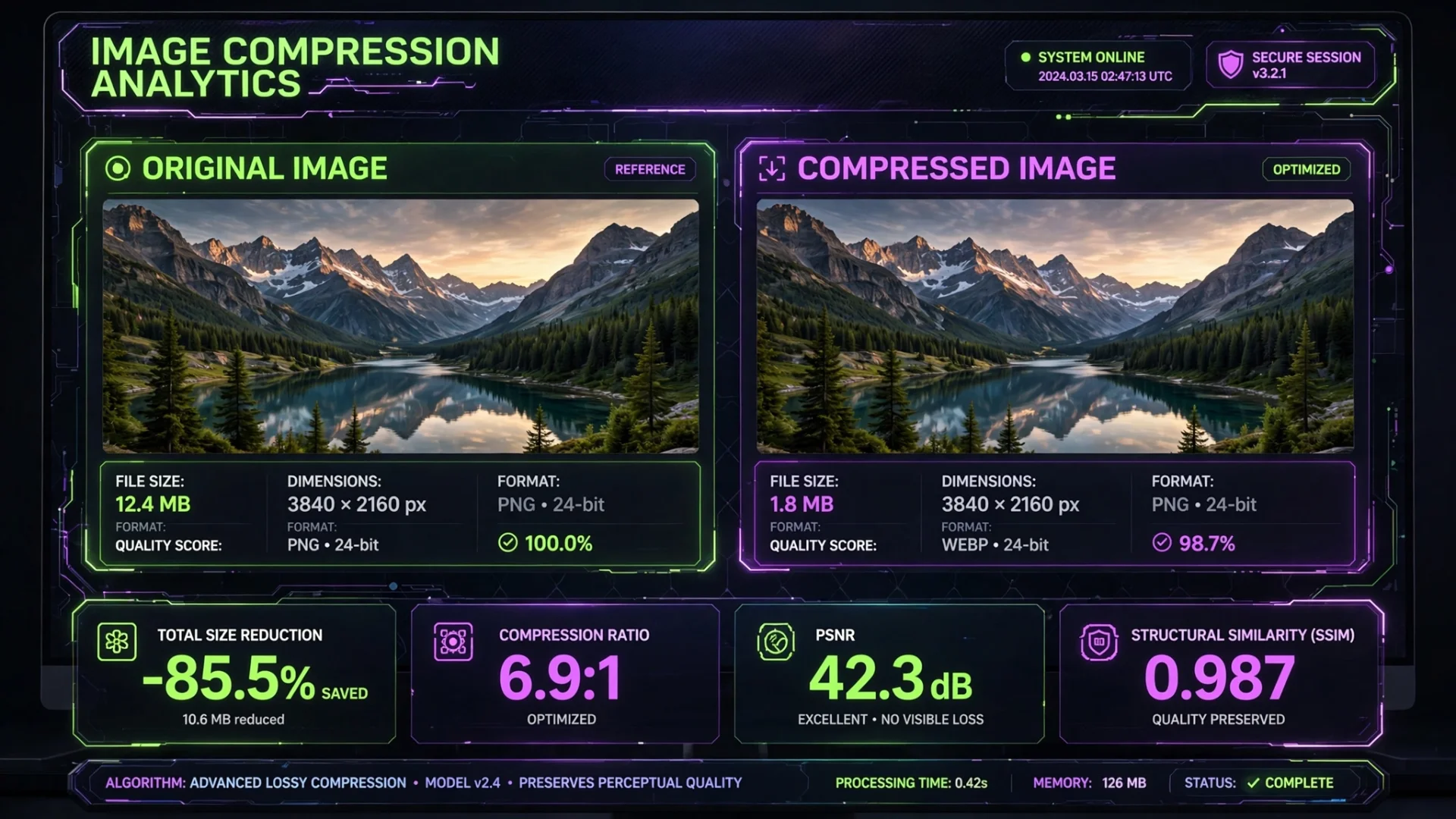
Compare Original and Compressed Images
The built-in comparison makes it easy to see the results.
For every image, you can view:
Original file size
Compressed file size
Percentage saved
Original dimensions
New dimensions
Before-and-after preview
This helps you balance quality and file size with confidence.
Who Should Use an Image Compressor?
This tool is useful for:
Web developers
Bloggers
WordPress users
eCommerce stores
Photographers
Graphic designers
Students
Content creators
Digital marketers
Anyone sharing images online
Tips for Better Image Compression
For the best results:
Use WebP whenever supported.
Resize oversized images before uploading.
Remove unnecessary metadata.
Avoid repeatedly recompressing the same image.
Choose the lowest quality that still looks visually acceptable.
These simple practices help maintain image quality while maximizing performance.
Frequently Asked Questions
Is this Image Compressor free?
Yes. Every feature is available completely free.
Are my images uploaded?
No.
All processing happens locally in your browser.
Will compression reduce quality?
Some compression methods reduce image quality slightly, but choosing appropriate settings usually produces little or no noticeable difference.
Can I compress multiple images?
Yes.
Batch processing allows multiple images to be compressed during one session.
Can I convert images to WebP?
Yes.
The tool supports converting images to WebP while compressing them.
Related Tools
If you're optimizing images, these tools may also help:
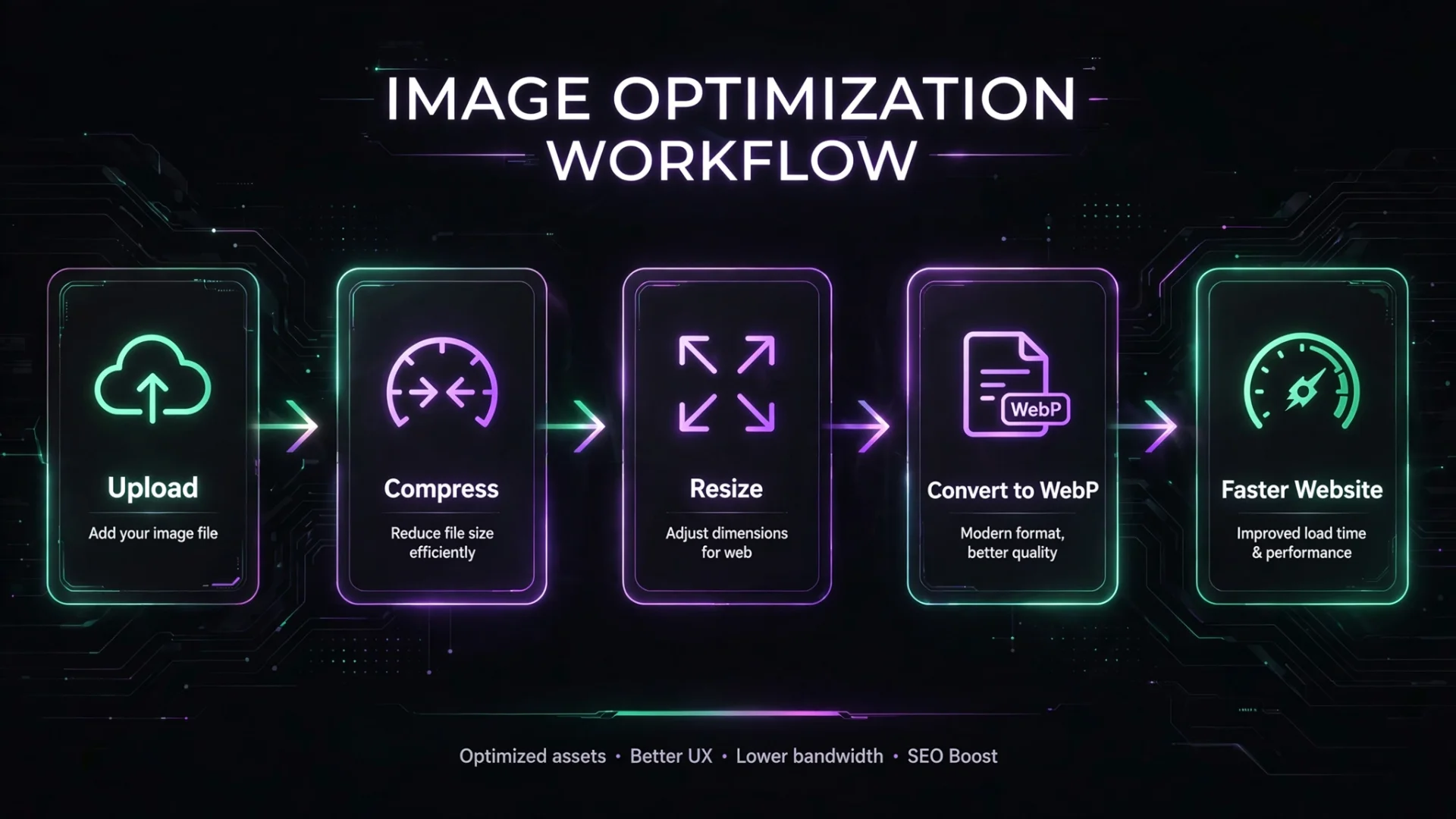
Together they provide a complete image optimization workflow for websites, blogs, online stores, and social media.
Final Thoughts
Image optimization is one of the easiest ways to improve website performance, reduce storage usage, and speed up uploads. Whether you're preparing images for a personal blog, an eCommerce store, or a professional portfolio, smaller files can make a noticeable difference without sacrificing visual quality.
Our Image Compressor gives you full control over compression quality, image dimensions, output formats, metadata removal, and batch downloads, all while keeping your files private through local browser processing. It's a simple yet powerful tool designed to help you optimize images quickly, securely, and efficiently.
Cipher
Founder & Lead Developer, ToolKit
Cipher is an independent developer who prefers to let the work speak for itself. They designed and coded every tool on ToolKit to ensure they remain fast, private, and beautifully designed for everyone. No fame, no face — just premium tools that work.