VibeQuote |Explore 5,000+ Quotes Across 10 Categories
VibeQuote: Explore 5,000+ Quotes Across 10 Categories
Words have weight.
The right sentence at the right moment can dismantle a bad mood, fuel a sudden breakthrough, or simply offer quiet comfort on a difficult day. But finding that perfect sentence usually means sifting through ad-filled websites or scrolling endlessly through social media feeds full of noise.
VibeQuote changes that dynamic completely.
Located at useminitools.com, VibeQuote is a premium, dark-mode sanctuary for pure text. It is a quote explorer built for people who appreciate clean design, fast performance, and distraction-free reading. No pop-ups, no signups, and no clutter. Just 5,000+ handpicked quotes organized into 10 distinct categories, waiting for you to discover them.
What is VibeQuote?
VibeQuote is an interactive quote explorer that goes far beyond a simple list of text. It is an experience designed to match your current emotional state.
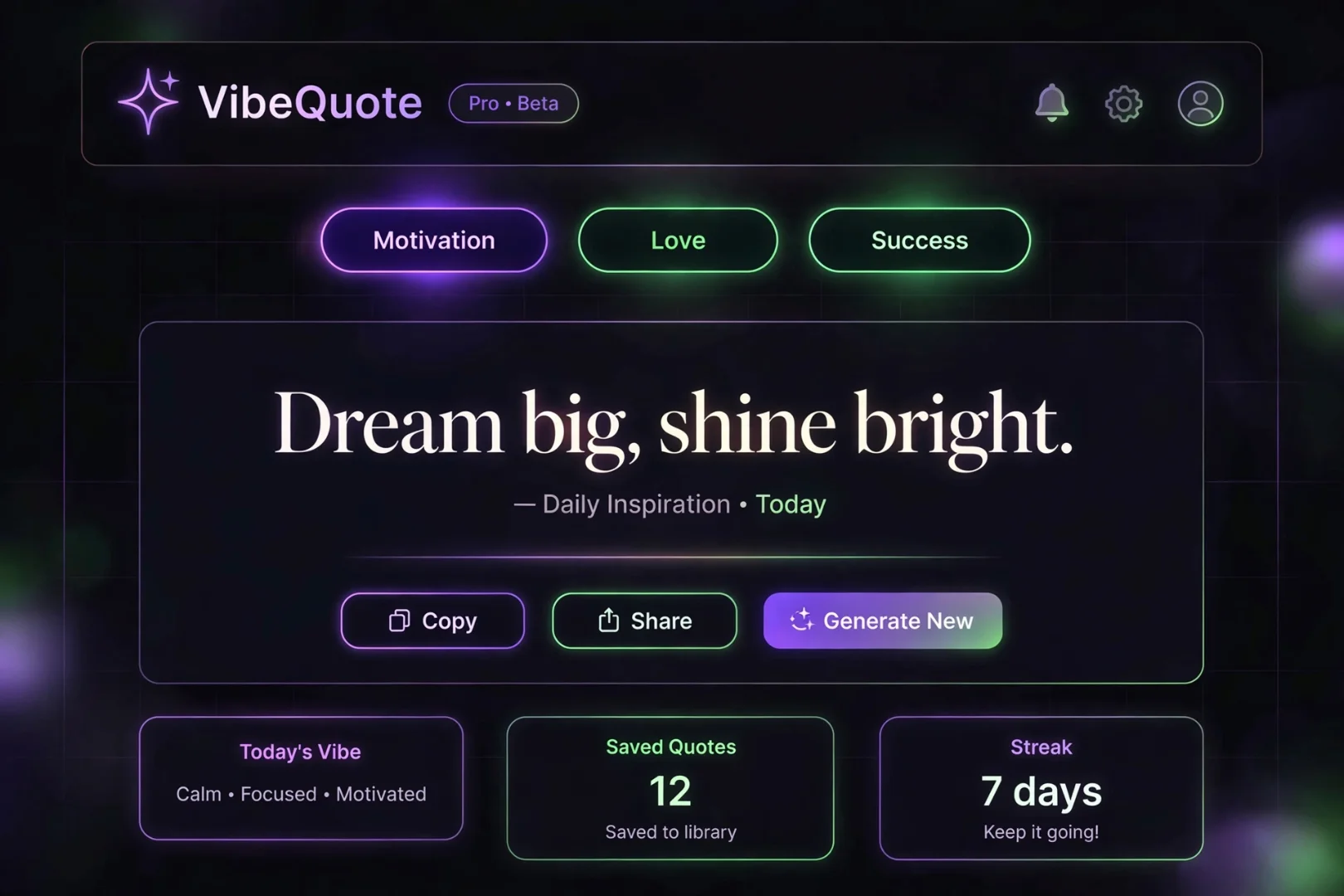
Instead of reading a static page, you interact with the tool. You select a category, and the engine serves you a beautifully animated quote card. You can hit "Next" to instantly load another, switch to Zen Mode for a fullscreen reading experience, or search for a specific topic to find exactly what you are looking for.
Whether you need motivational quotes to start your workday, love quotes for a wedding card, or wisdom quotes to gain perspective on a tough decision, VibeQuote has curated the best words from history's greatest minds.
How to Use the Quote Explorer
The tool is designed to be incredibly intuitive, requiring no instructions to use. However, understanding its features will help you get the most out of your experience.
1. Choose Your Category
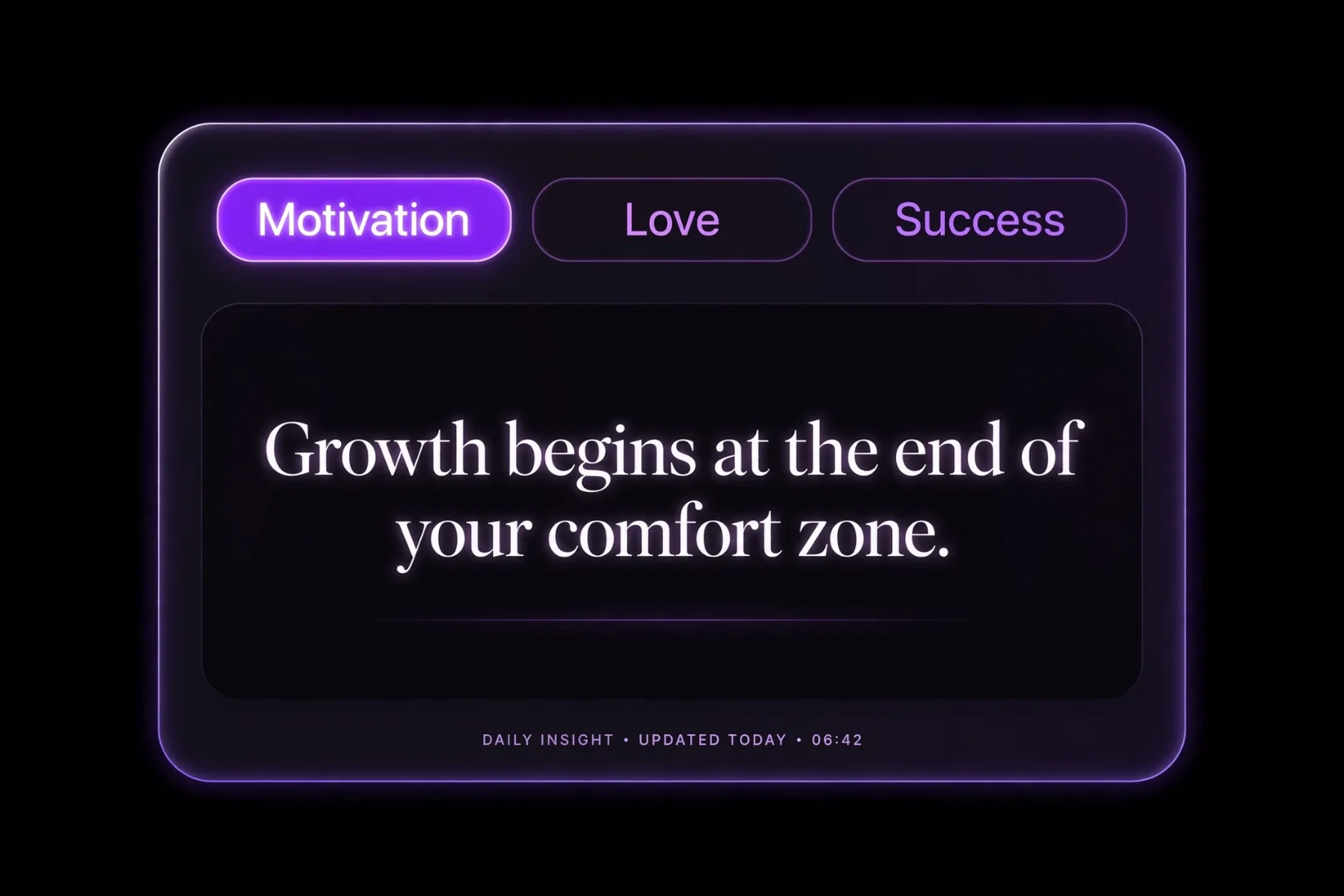
At the top of the tool, you will see 10 glowing tabs. Each represents a different mood or theme. Click any of them to instantly load the quote engine for that specific category. The background gradient and accent colors will shift to match the mood of the category you selected.
2. Read and Refresh
The main screen displays a large, elegantly typeset quote. If it doesn't resonate with you, simply click the "Next Quote" button. The card will blur and transition smoothly into a new quote from that category's database of 500+ quotes.
3. Copy Your Favorites
When you find a quote that hits home, click the Copy icon. The text is instantly formatted with the author's name and copied to your clipboard, ready to be pasted into a text message, a tweet, or a journal.
The 10 Categories of Human Experience
VibeQuote doesn't just dump all quotes into one massive pile. It organizes them into 10 unique categories, each with its own custom color theme, glowing icon, and gradient background.
Motivation: Fuel for your ambition when you need to get things done.
Success: Mindsets and habits from those who achieved greatness.
Love: Tender, honest, and passionate words about human connection.
Wisdom: Timeless perspectives on life, patience, and understanding.
Happiness: Reminders to find joy in the present moment.
Faith: Quiet, reflective thoughts on belief and inner strength.
Hope: Light for dark days and fuel for looking forward.
Friendship: The value of loyalty, shared laughter, and trust.
Life: The grand, messy, beautiful experience of being alive.
Growth: Lessons learned through failure and perseverance.
Zen Mode: A Distraction-Free Sanctuary
One of the standout features of VibeQuote is Zen Mode.
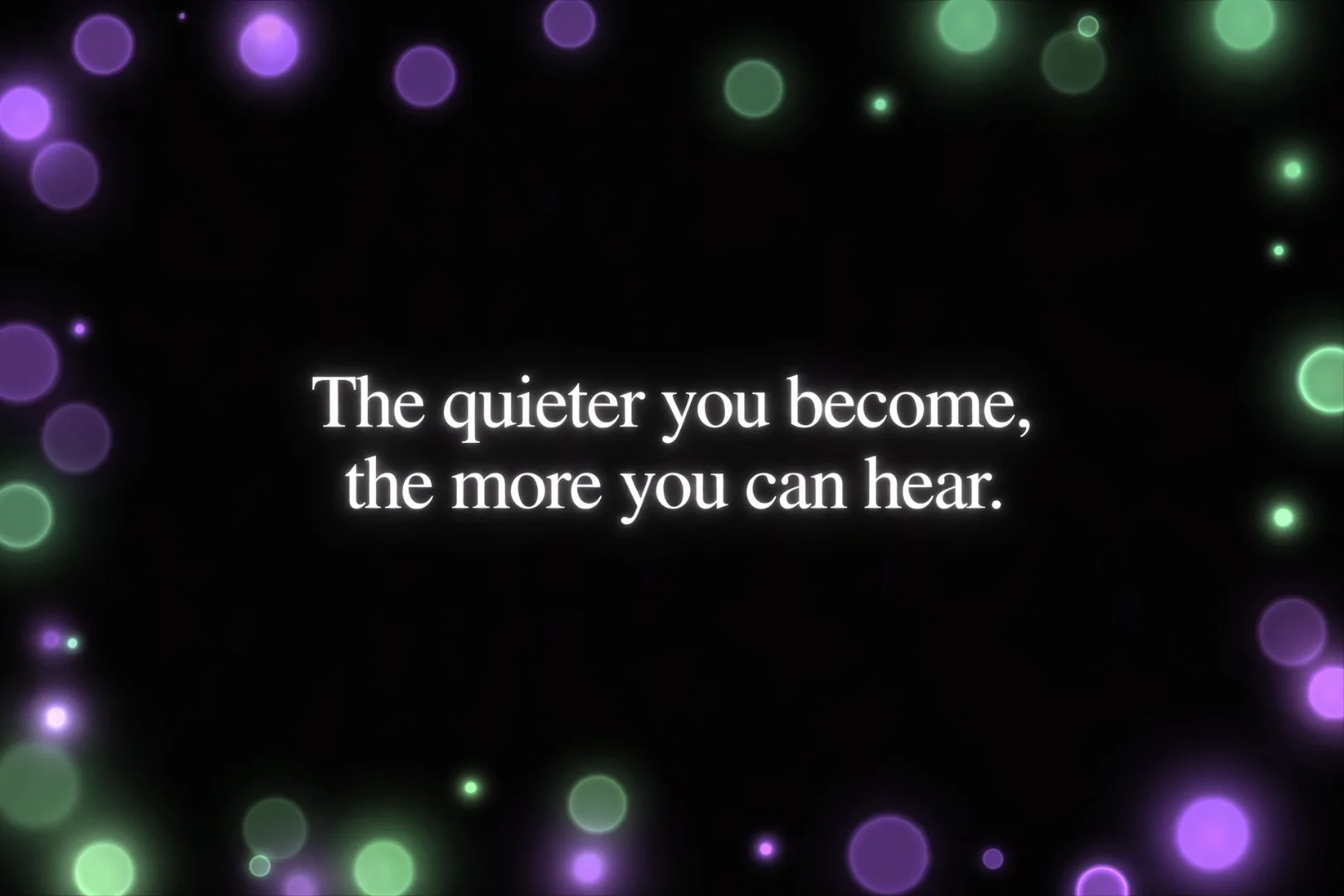
When you click the expand icon, the tool takes over your entire screen. The UI fades away, leaving only the quote, the author, and a subtle, glowing gradient background. Floating particles drift slowly across the screen, creating a calm, meditative atmosphere.
In Zen Mode, you can enable Autoplay. Every 8 seconds, the tool will automatically load a new quote with a smooth, blur-transition animation. It is the perfect feature to leave open on a second monitor while you work, or to display on a screen during a quiet moment.
Search, Copy, and Share
Sometimes you don't want a random quote. You want a quote about a specific topic.
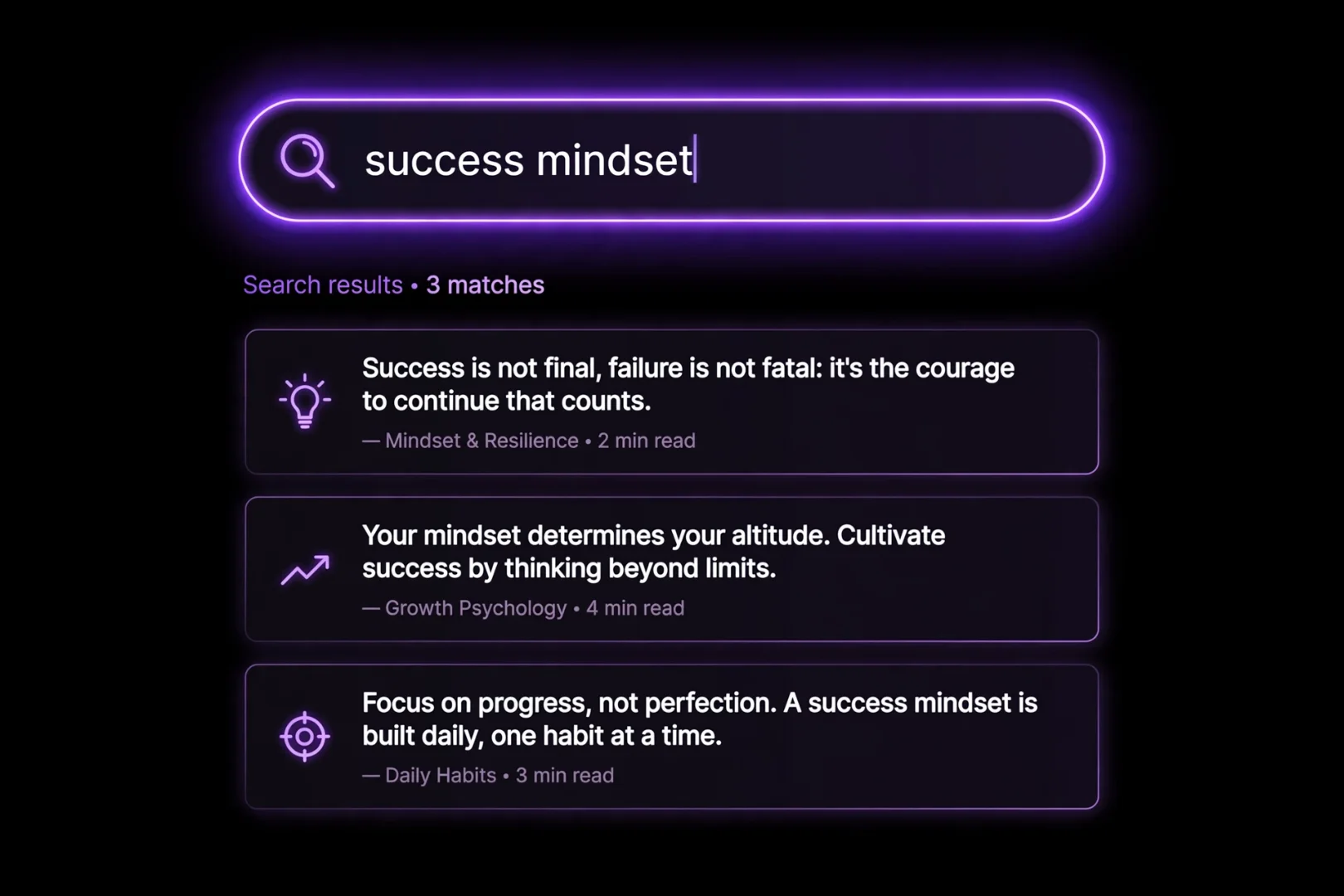
VibeQuote includes a powerful Search function. Type any keyword—like "time," "courage," or "change"—and the tool instantly filters through the 5,000+ quotes in that category to find exact matches.
When you find a quote that resonates, simply click the Copy button. The text is instantly copied to your clipboard, formatted beautifully with the author's name, ready to be pasted into a text message, a tweet, or a journal.
Why VibeQuote is Different
Most quote websites are stuck in the early 2000s. They are walls of tiny text, surrounded by flashing banner ads.
VibeQuote was built to be the opposite. It treats quotes like art. The typography is large and serif-styled. The animations are smooth. The color schemes shift depending on the mood of the category you select. It is a tool that respects both the words and the reader.
Is My Data Safe?
Yes. VibeQuote is a privacy-first application. The entire tool runs locally inside your browser using JavaScript. It does not require an account, and it never tracks what you read or copy.
Fun Ways to Use VibeQuote
You do not have to be a philosopher to enjoy this tool. Try using it to:
Start your morning: Open Zen Mode with Autoplay and read 3 quotes over your coffee.
Write a speech: Search for quotes about "leadership" or "courage" to find the perfect opening line.
Send a message: Copy a beautiful love quote and send it to your partner out of the blue.
Spark creativity: Read a random quote and write a paragraph about what it means to you.
Related Tools for Daily Inspiration
If you are looking for more ways to reflect and grow, there are a few other free tools on useminitools.com that might interest you:
Past Life Calculator: Discover who you were in a past life based on your birth date.
Mental Age Test: Find out if you are an old soul or a big kid inside.
Astrology Compatibility: Check your synastry compatibility with a partner or friend.
Personality Type Analyzer: Discover your true work personality with 8 fun questions.
Frequently Asked Questions
What is VibeQuote?
VibeQuote is a free online tool that lets you explore over 5,000 handpicked quotes across 10 categories, featuring a distraction-free Zen Mode and instant search.
How many quotes are in the tool?
There are over 5,000 quotes sourced from famous authors, philosophers, leaders, and historical figures, spread across 10 distinct categories.
What is Zen Mode?
Zen Mode is a fullscreen reading experience that removes all UI elements, leaving only the quote and a calm, animated background. It includes an autoplay feature that changes the quote every 8 seconds.
Can I search for specific quotes?
Yes. You can type any keyword into the search bar to instantly filter quotes within the selected category.
Is VibeQuote free to use?
Yes. The tool is 100% free, requires no signup, and all features are available instantly in your browser.
A Final Thought
Inspiration is fleeting. It arrives without warning and leaves just as quickly.
But when you have a library of 5,000 quotes at your fingertips, you never have to wait for it. You can summon a new perspective in seconds.
Find your vibe. Read your truth. Keep the words that move you.
Cipher
Founder & Lead Developer, ToolKit
Cipher is an independent developer who prefers to let the work speak for itself. They designed and coded every tool on ToolKit to ensure they remain fast, private, and beautifully designed for everyone. No fame, no face — just premium tools that work.