 Translate
Number to Words | Cheques, Math & Translations
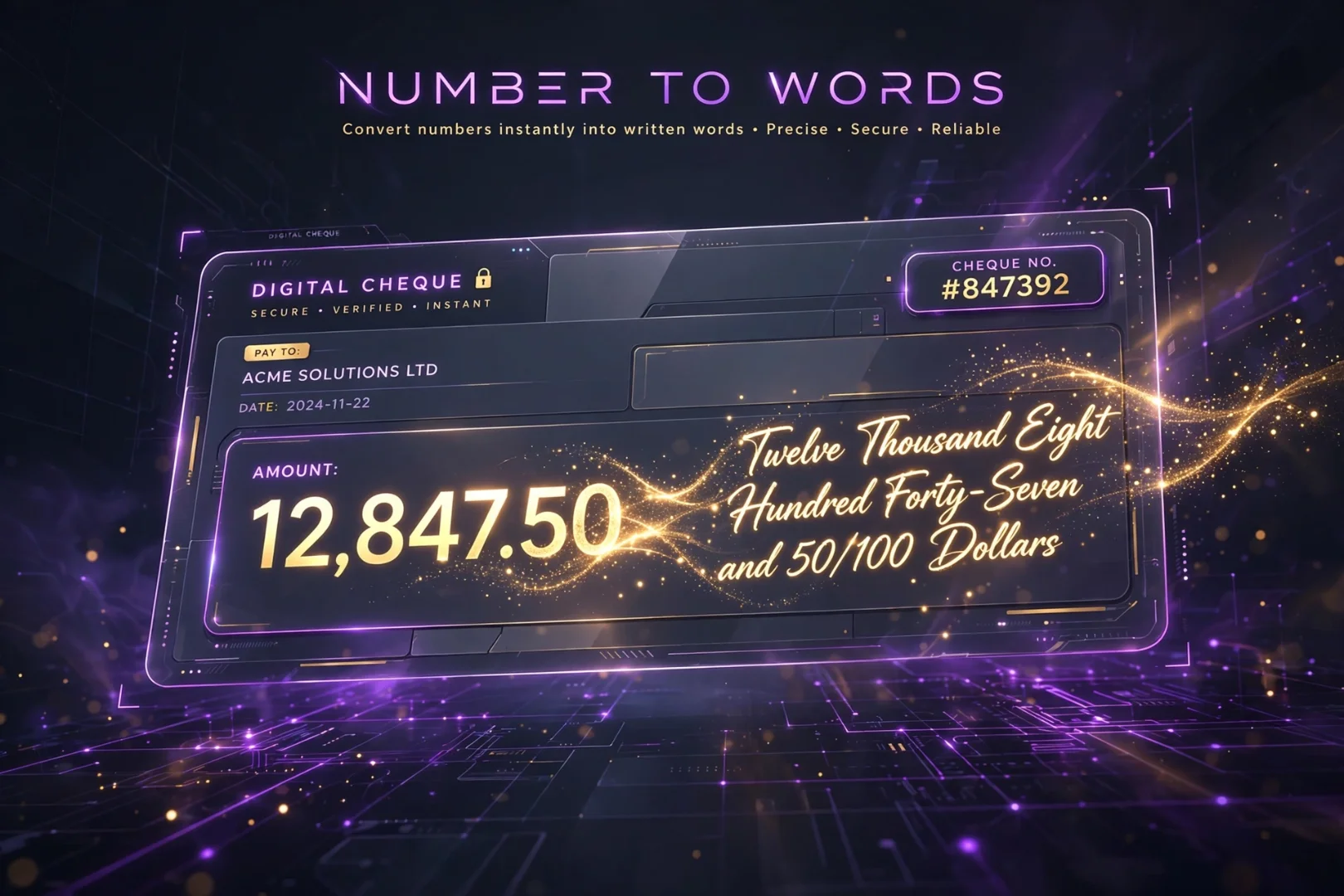
There is a specific kind of panic that hits when you are writing a cheque or a legal contract.
You finish the document, get to the final line, and suddenly realize you have to write out a massive number in words.
Is "forty" spelled with a 'u'?
Does "ninety" have an 'e' at the end?
How do I write 1,234.56 without messing up the "and" part?
When money or legal agreements are on the line, a single spelling mistake can cause a bank to reject a cheque or delay a contract.
Our Number to Words tool is built to remove that anxiety entirely.
You type the numbers. The tool does the spelling.
But it does not stop at English. It writes cheques in over 40 currencies, translates numbers into 7 different languages, and even tells you if your number is a prime or a Fibonacci sequence.
It is a calculator, a translator, and a legal assistant rolled into one dark-mode dashboard.
What Is a Number to Words Converter?
A number to words converter is an online tool that takes a numerical digit (like 1050) and translates it into its written text equivalent (One Thousand Fifty).
You may also hear these tools called a number to text converter, amount in words calculator, or cheque writer online.
At its core, it is a spelling tool.
But numbers are used for more than just counting. They are used for international trade, language learning, coding, and mathematics.
That is why this tool goes far beyond basic English spelling. It breaks your number down into currencies, global translations, computer formats, and mathematical facts.
How to Use the Number to Words Tool
You do not need an account or a math degree.
Enter Your Number
Start by typing any number into the main input box. You can use whole numbers, decimals, or huge figures. If you don’t know where to start, you can click one of the quick-fill buttons for common amounts like 1,000 or 1,000,000.
Explore the Four Tabs
Below your number, you will find four tabs designed to break your number down from different angles:
Words: Spelling, translations, ordinals, and Roman numerals.
Currency: Perfectly formatted bank cheques.
Formats: Computer and regional formats (Binary, Hex, US vs. EU).
Math Facts: Prime numbers, factors, and fun scale comparisons.
Write Perfect Bank Cheques Every Time
Writing a cheque sounds simple until you are staring at a figure like $15,432.78.
Our Currency tab is designed specifically for finance, accounting, and legal work.
You simply type your number, select from over 40 supported currencies (USD, EUR, GBP, PKR, INR, and more), and the tool generates a perfectly formatted cheque.
It automatically separates the major units (Dollars) from the minor units (Cents).
It even capitalizes the first letter and adds the word "only" at the end, which is the standard legal requirement for bank drafts in many countries.
If you need to keep a record, you can download the text file or copy it to your clipboard with one click.
No more second-guessing your spelling. No more crossed-out words on important documents.
Break Language Barriers: Translate Numbers in 7 Languages
Numbers are universal, but the way we say them is not.
If you are learning a new language, doing international business, or just curious, the Words tab is a goldmine.
The tool instantly translates your number into its written form in:
English
Hindi
Urdu
Arabic
French
Spanish
German
Even better, it supports right-to-left (RTL) formatting for languages like Arabic and Urdu, so the text displays perfectly.
You can also click the speaker icon next to any language to hear the number pronounced out loud. This is an incredible feature for language learners who want to master the pronunciation of complex numbers.
See Numbers Like a Computer Does
Computers don't read numbers the way we do.
If you are a developer, a student, or just a tech enthusiast, the Formats tab translates your number into the languages computers understand.
You can instantly see your number converted into:
Binary (Base-2)
Octal (Base-8)
Hexadecimal (Base-16)
Scientific Notation
It also handles regional formatting. A number written as 1,234.56 in the US is written as 1.234,56 in much of Europe. The tool shows you both side-by-side so you never get confused by international decimal separators.

Unlock the Hidden Math Behind Your Number
Every number has a secret identity.
The number 28 is a Perfect Number. The number 13 is a Prime Number. The number 21 is a Fibonacci Number.
The Math Facts tab analyzes your number and tells you exactly what makes it special.
Beyond just prime checks and square roots, it will calculate:
Factors: Every number that divides evenly into yours.
Sum of Digits: A quick check used in numerology.
Factorials: (For numbers up to 20) The product of all integers down to 1.
Reversed Number: Exactly what it sounds like.
It even includes a Fun Scale that translates your number into real-world terms. If your number is 5000, the tool tells you that equals roughly 1,000 cups of coffee or 5 iPhones. It makes abstract numbers feel real.
Is This Tool Accurate?
Yes.
The conversion engine is built on strict mathematical logic and standard linguistic rules.
However, when writing legal cheques, always double-check your original numerical input before printing. The tool will spell exactly what you type, so if you accidentally add an extra zero, the words will reflect that extra zero.
Fun Ways to Use the Number to Words Tool
You don't have to be a banker to use this tool.
Try it to:
Learn how to count in Hindi, Urdu, or French.
Check if your phone number or birthday is a prime number.
See how large numbers are formatted in different countries.
Generate a quick text file for a legal document.
Find out how many pizza slices your salary could buy.
Related Tools for Math and Text
If you found this tool useful, there are a few other free utilities that might help your workflow:
Binary & Hex Converter: Convert between binary, decimal, hexadecimal, and octal number systems instantly.
Percentage Calculator: Calculate tips, discounts, grades, and percentage changes in seconds.
Loan & EMI Calculator: Calculate monthly payments and full amortization schedules for any loan.
JSON Formatter & Validator: Format, validate, and beautify JSON code instantly in your browser.
Frequently Asked Questions
What is a number to words converter?
It is an online tool that takes a numerical digit (like 100) and writes it out in text (One Hundred). It is commonly used for writing bank cheques and legal documents.
How do I write amounts in words for a cheque?
Type the number into the tool, go to the Currency tab, and select your currency. The tool will format it perfectly (e.g., "One Hundred Dollars and Zero Cents only").
Does this tool support languages other than English?
Yes. It instantly translates numbers into English, Hindi, Urdu, Arabic, French, Spanish, and German, complete with audio pronunciation.
Can it convert numbers to Roman numerals?
Yes. The Words tab includes a Roman numeral converter for numbers between 1 and 3,999.
Is this number to words tool free?
Yes. It is 100% free, requires no signup, and all calculations happen locally in your browser.
Because Accuracy Matters
Numbers are the foundation of our daily lives.
They dictate how much money we have, how much time we spend, and how we measure the world around us.
But when it comes to writing them down, a simple typo can cost you money, time, or a deal.
A number to words converter cannot negotiate your contract.
It cannot balance your budget.
But it can make sure that when you put pen to paper, your numbers are spelled perfectly, your cheques are legally formatted, and your translations are exact.
Type your number. Choose your currency. Copy your words.
And move on to the next task with total confidence.
Cipher
Founder & Lead Developer, ToolKit
Cipher is an independent developer who prefers to let the work speak for itself. They designed and coded every tool on ToolKit to ensure they remain fast, private, and beautifully designed for everyone. No fame, no face — just premium tools that work.
