Translate
Resize Image Online Free | Fast Image Resizer
Resize Images Online in Seconds
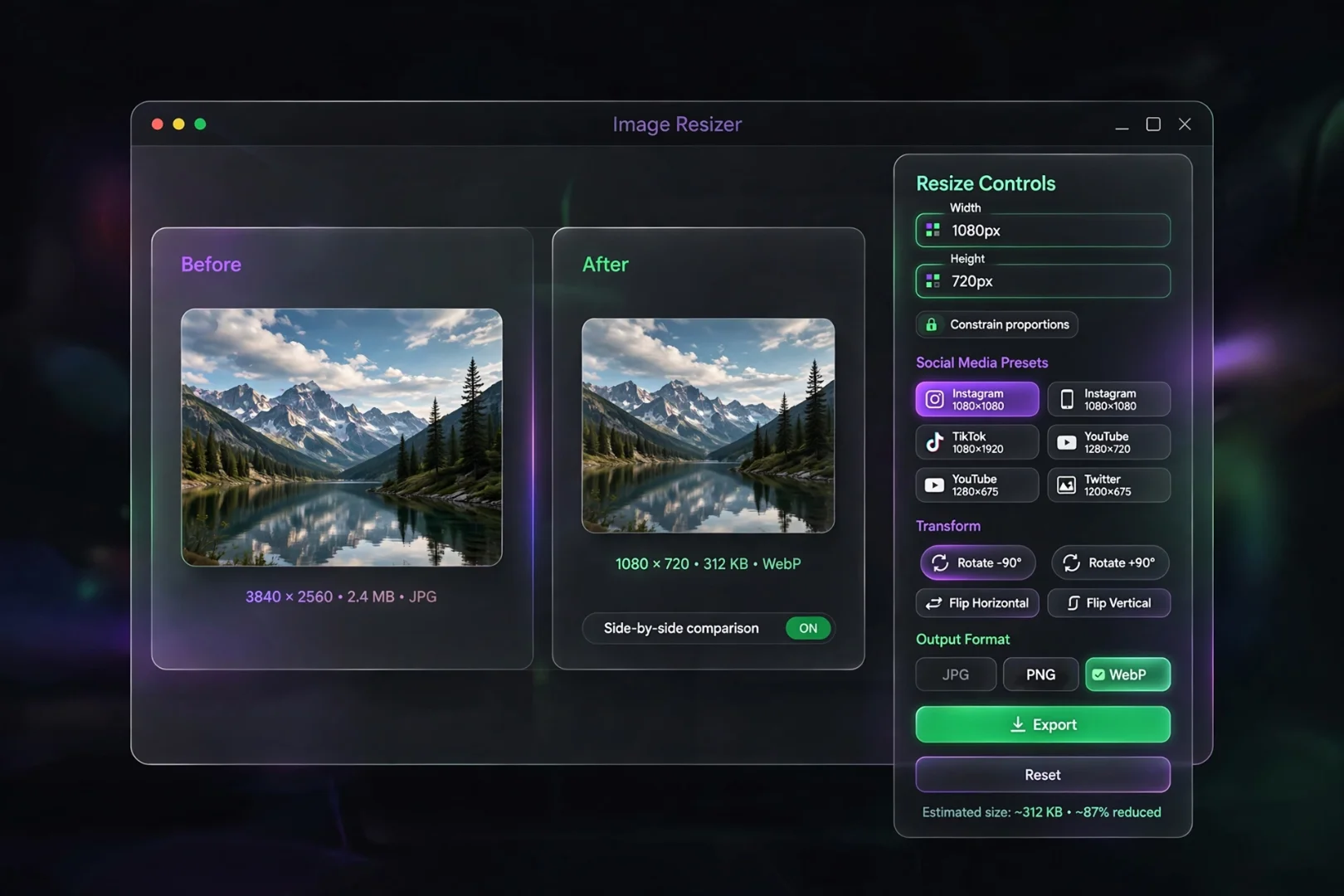
Resizing an image isn't just about making it smaller. Whether you're preparing a photo for social media, reducing dimensions for a website, or adjusting an image for email, using the correct size helps maintain quality while meeting platform requirements.
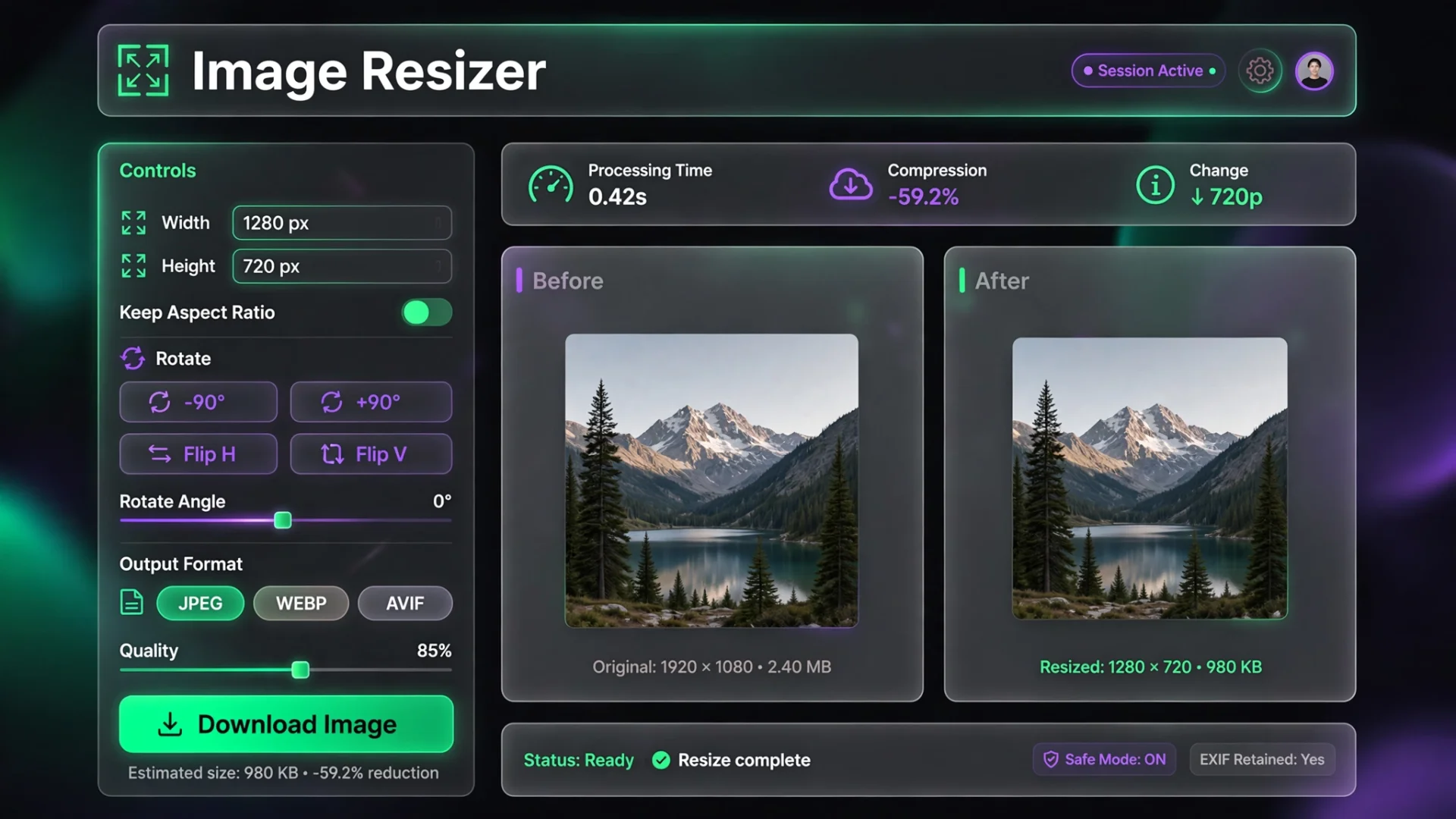
Our Image Resizer lets you resize, rotate, flip, and convert images directly in your browser. Everything happens locally on your device, so your images stay private throughout the entire process.
Why Image Size Matters
Different platforms require different image dimensions. Uploading the wrong size can lead to blurry images, unwanted cropping, or stretched graphics.
If you're searching for how to resize images for Instagram, resize photos for Facebook, or change image dimensions for a website, using dedicated resizing tools saves time while producing better-looking results.
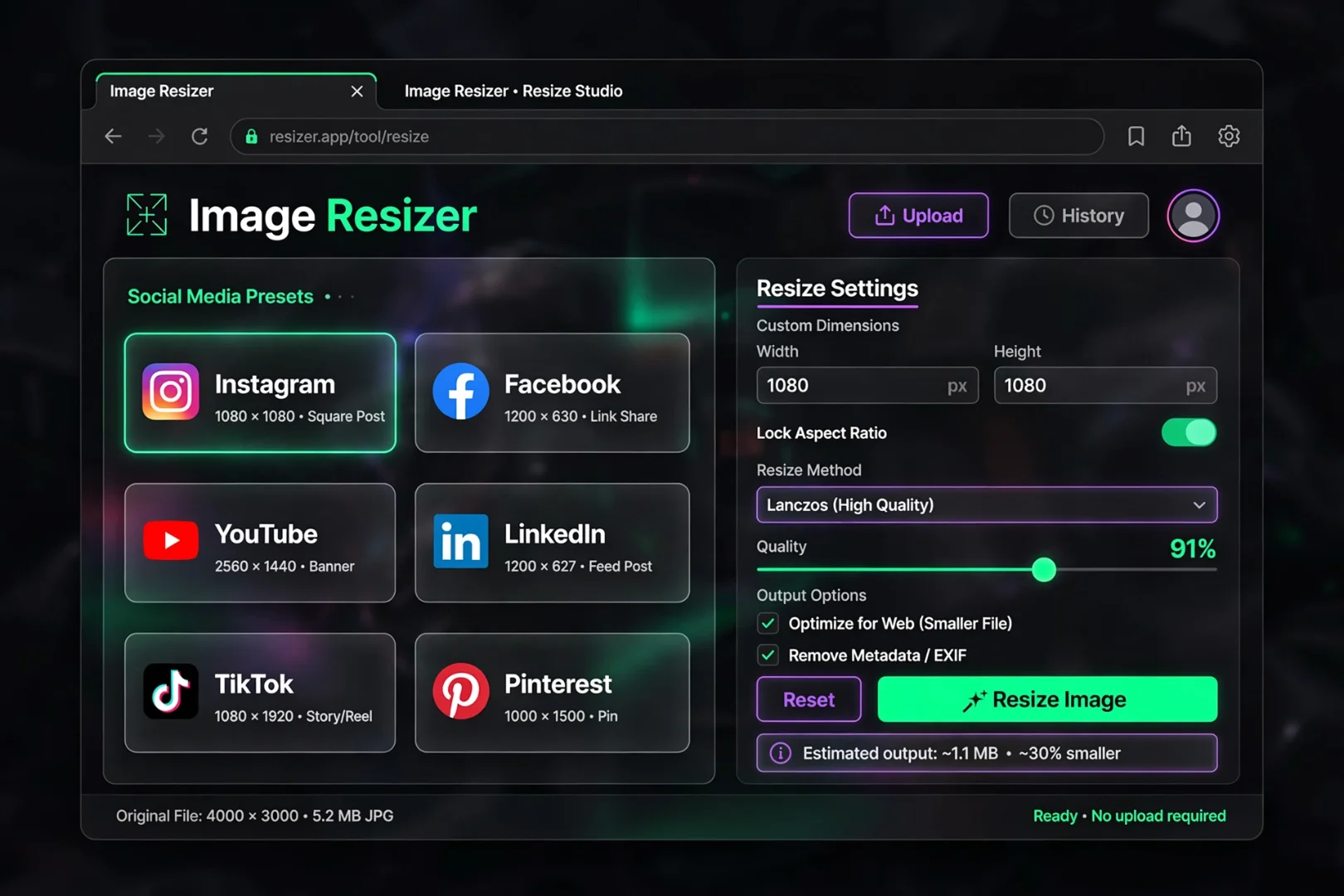
Instead of guessing dimensions manually, our tool provides ready-made presets for popular platforms.
Resize Images Your Way
The tool offers multiple ways to resize an image depending on your needs.
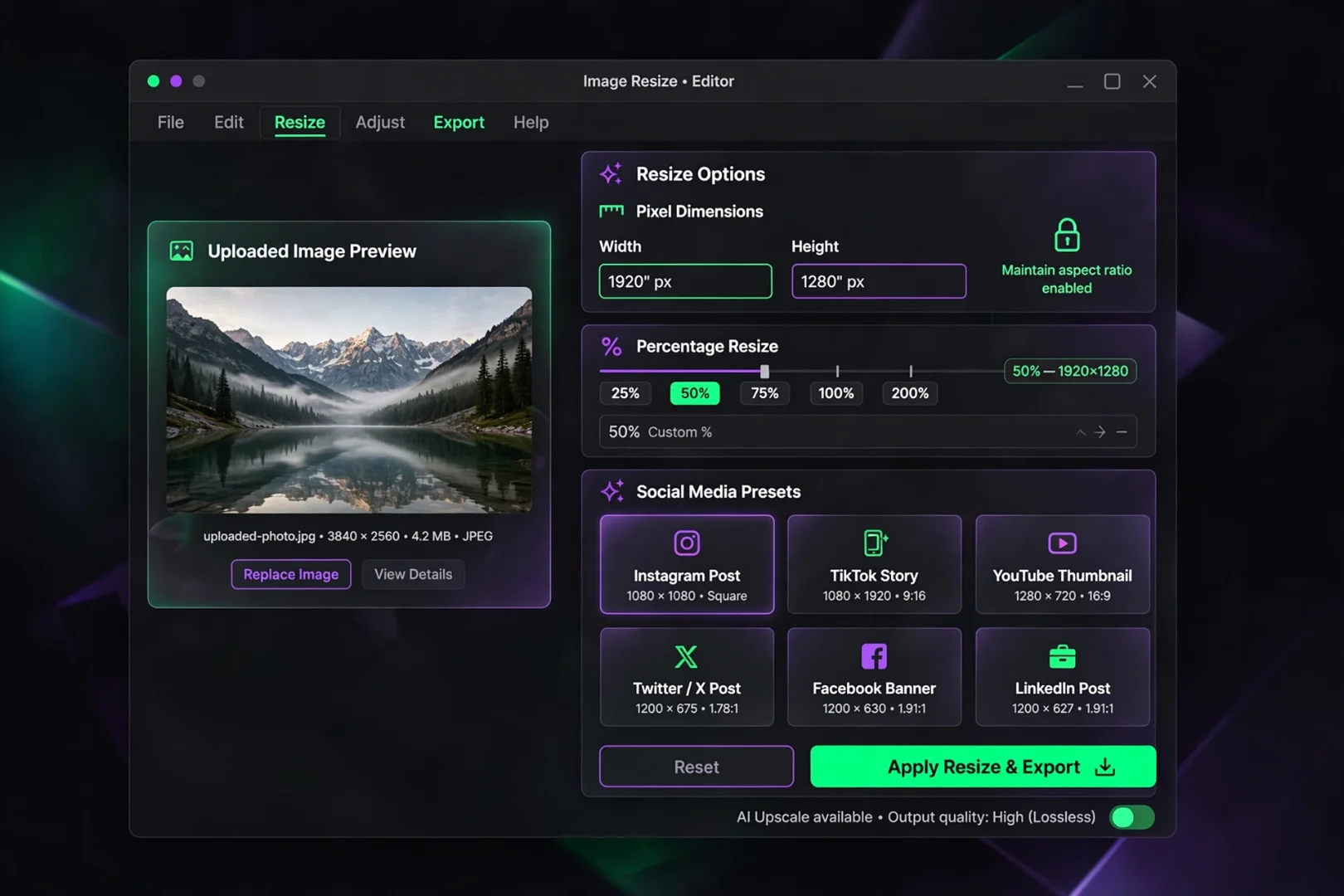
Resize by Pixels
Enter an exact width and height when you need precise dimensions for websites, presentations, or digital projects.
Resize by Percentage
Want a smaller version without calculating dimensions?
Simply resize the image by a percentage, such as 50% or 75%.
This is ideal for reducing image dimensions while keeping the same proportions.
Ready-Made Social Media Presets
Creating content for multiple platforms becomes much easier with built-in presets for:
Instagram
Facebook
YouTube
LinkedIn
Pinterest
TikTok
Twitter (X)
WhatsApp
Each preset automatically applies the recommended dimensions, helping you prepare images faster.
Rotate, Flip, and Convert Images
Sometimes resizing isn't enough.
Our Image Resizer also allows you to:
Rotate images by 90°, 180°, or 270°
Flip images horizontally
Flip images vertically
Convert images to JPG
Convert images to PNG
Convert images to WebP
These features help prepare images for websites, social media, documents, or presentations without switching between multiple editing tools.
If you also want to reduce file size after resizing, try our Image Compressor.
Maintain the Right Dimensions
The built-in aspect ratio lock automatically keeps your image proportional while you edit width or height.
When using a social media preset, the tool intelligently unlocks the ratio so platform-specific dimensions can be applied exactly as required.
For users who need to calculate custom proportions before resizing, our Aspect Ratio Calculator can help determine the correct dimensions.
Private Image Processing
Privacy matters, especially when working with personal or business images.
Unlike many online services, this Image Resizer performs all processing directly in your browser.
That means:
Images are never uploaded.
No files are stored on external servers.
Your photos remain on your own device.
The tool continues working after loading, even without an internet connection.
Tips for Better Image Quality
For the best results:
Resize from the original image whenever possible.
Avoid enlarging very small images.
Use PNG for graphics with transparency.
Choose JPG for photographs.
Select WebP when optimizing images for websites.
Use exact social media presets to prevent unwanted cropping.
Frequently Asked Questions
Is this Image Resizer free?
Yes. Every resizing feature is available without cost.
Can I resize images without uploading them?
Yes. The tool processes everything locally inside your browser.
Which image formats are supported?
You can upload JPG, PNG, WebP, and GIF images, then export them as JPG, PNG, or WebP.
Can I resize images for Instagram or Facebook?
Yes. Built-in presets make it easy to prepare images for popular social media platforms.
Will resizing reduce image quality?
Reducing dimensions usually has little visible impact when done correctly. However, enlarging small images may decrease sharpness.
Related Tools
You may also find these tools helpful:
Conclusion
Whether you're preparing content for social media, optimizing images for a website, or adjusting photo dimensions for personal projects, our Image Resizer provides a simple and reliable solution.
With flexible resizing options, built-in social media presets, rotation and flip controls, format conversion, and complete privacy through browser-based processing, you can quickly create images that fit your needs without installing additional software.
Cipher
Founder & Lead Developer, ToolKit
Cipher is an independent developer who prefers to let the work speak for itself. They designed and coded every tool on ToolKit to ensure they remain fast, private, and beautifully designed for everyone. No fame, no face — just premium tools that work.