 Translate
Citation Generator - Free APA, MLA & Harvard | ToolKit
Citation Generator
Free citation generator for APA 7, MLA 9, Chicago, Harvard and IEEE. Supports 9 source types including websites, books, journals, videos and podcasts.
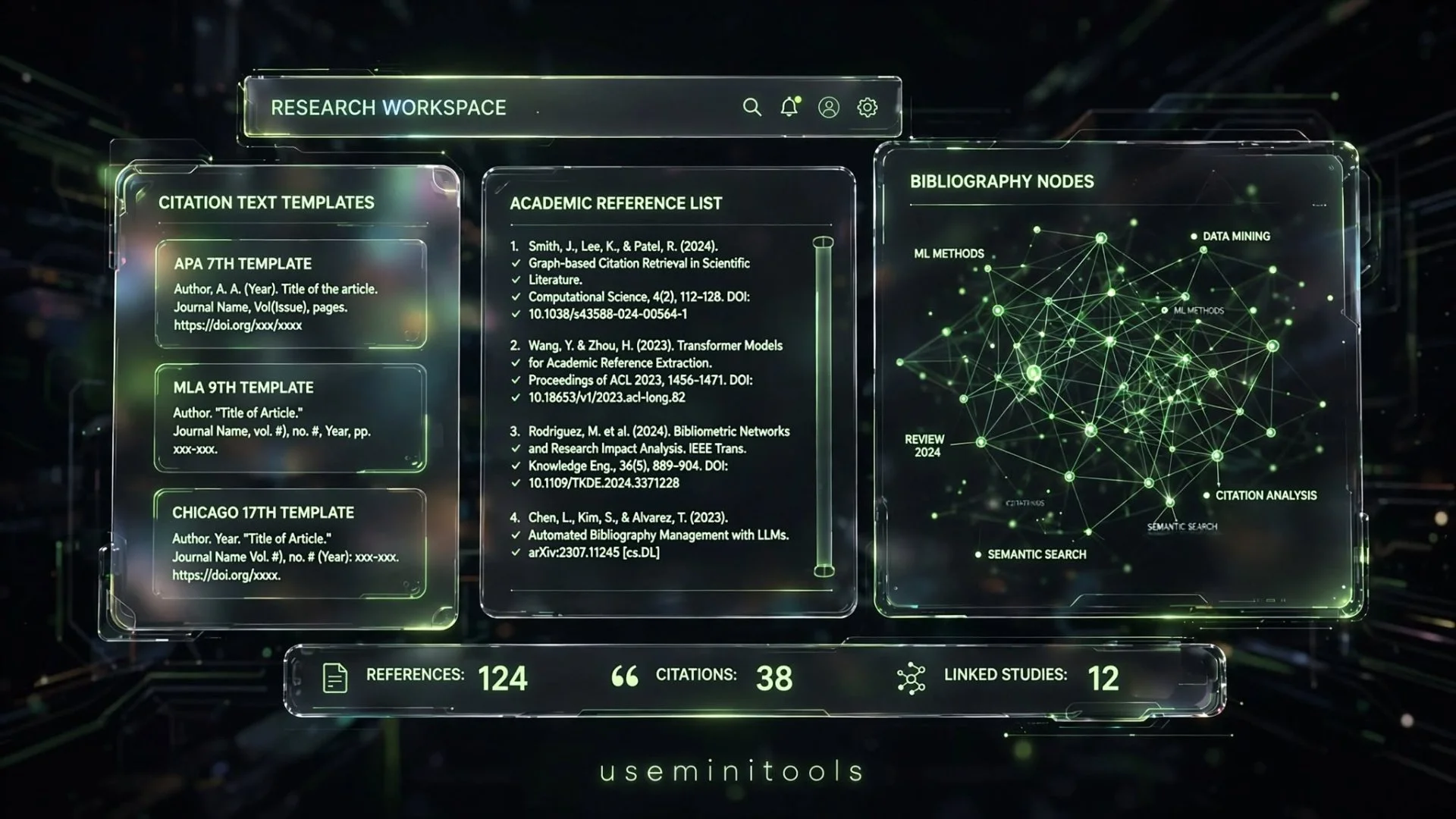
Have You Ever Spent Hours Fixing Comma Placements on a Reference Page?
Picture this scenario: it is late at night, your major research paper is finally finished, and you are staring blankly at a blank reference page. You know you need to list your sources, but anxiety kicks in. Did that italicized title need a period before or after the parenthesis? Is the author's middle initial supposed to go first? Should the year be wrapped in brackets or parentheses?
We have all been there. Staring at an official style manual for hours just to format a single website link or academic journal can drain all your remaining energy. You open a search engine looking for help, only to find slow websites filled with pop-up ads, paywalls, or restrictive limits on how many sources you can save.
That exact frustration is why the citation generator was built. Designed to take the headache out of academic writing, it lets you format sources across 8 major styles and 21 different source types instantly. Best of all, it keeps your projects secure on your device with complete privacy.
If you are polishing your academic essays or research documentation alongside your bibliography, check out our free AI Grammar Checker.
How to Format References Without Losing Your Mind
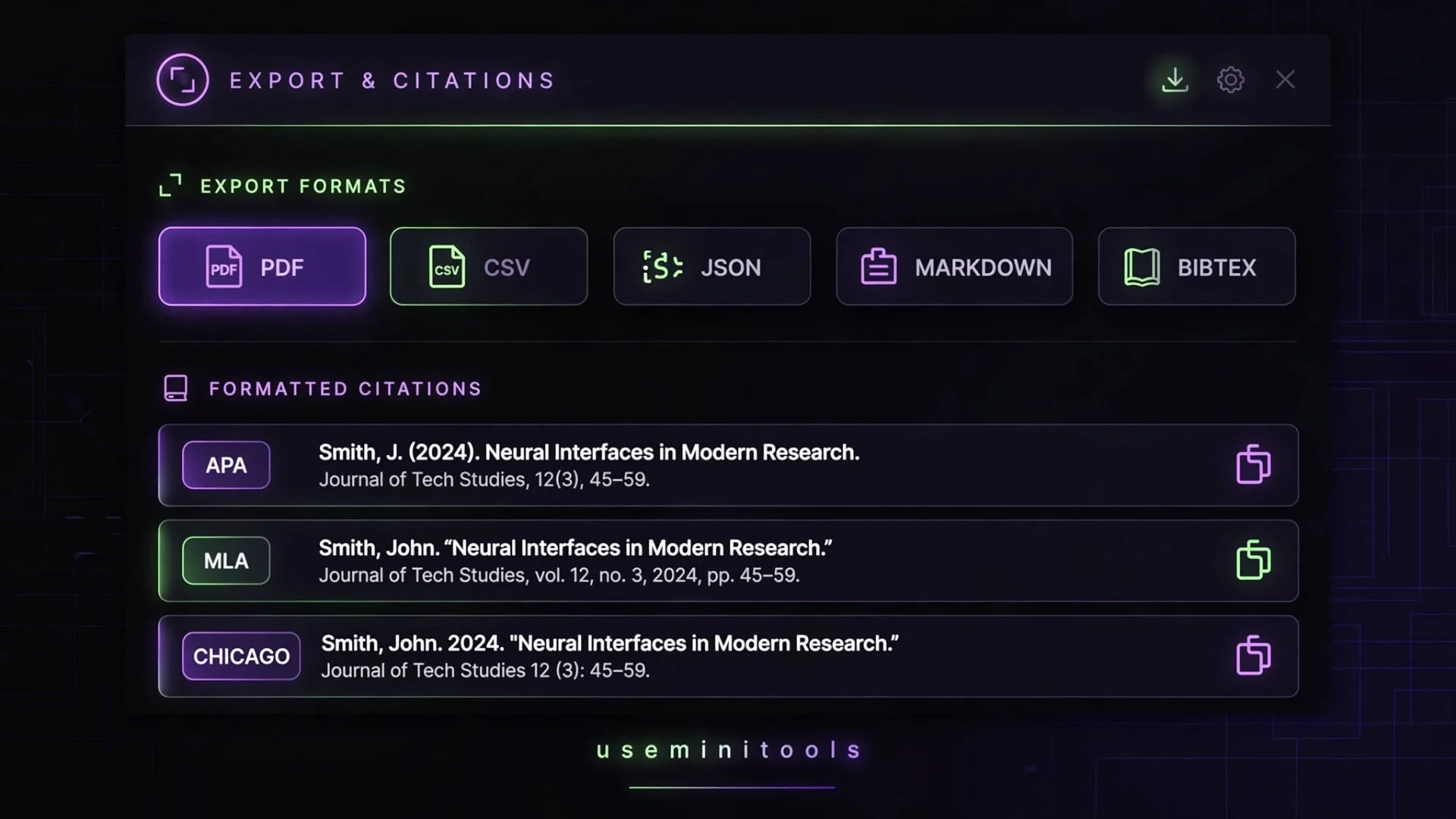
When academic guidelines change or professors demand strict adherence to specific styles like APA 7 or MLA 9, keeping track of every rule feels impossible. A missing comma or an overlooked italicized word can cost you valuable grade points on an otherwise stellar assignment.
Instead of trying to memorize endless style manuals, our tool handles the heavy lifting in the background. Whether you are citing a heavy academic book, a fast-moving news article, a podcast episode, or a complex legal document, the form dynamically adapts to match what your chosen source type requires.
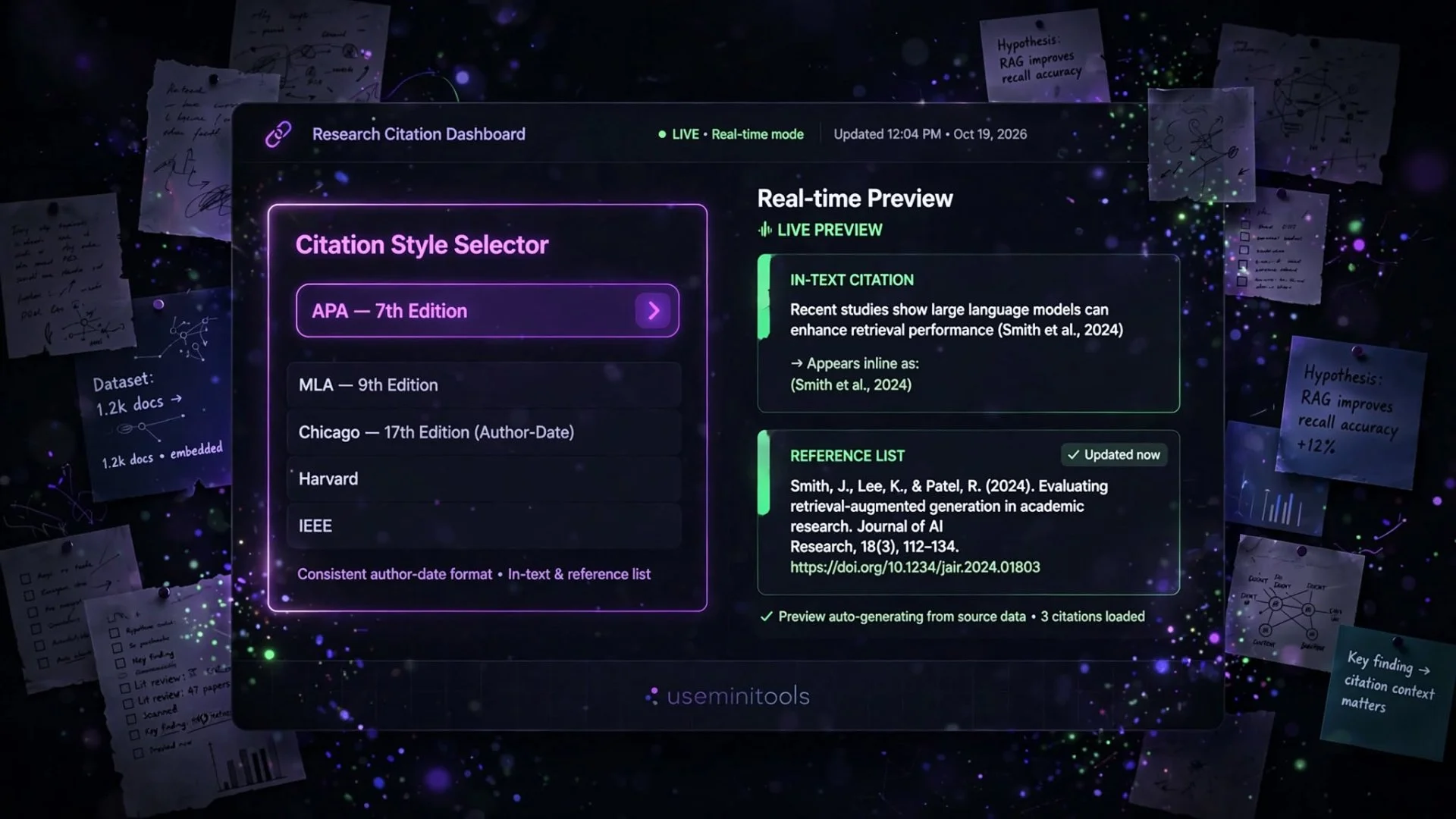
You simply select your academic style, choose your source type, and fill in the blanks. The live preview updates instantly on your screen, showing you both the full reference entry and the matching in-text citation so you never have to guess.
Need to calculate your semester GPA or track academic milestones while working on your papers? Try our free GPA Calculator.
Exploring the 8 Academic Styles and 21 Source Types Available
Different courses and departments require entirely different formatting rules. Submitting a paper in APA format to a history professor who strictly wants Chicago style can lead to unnecessary corrections.
Our generator supports a comprehensive variety of academic frameworks and media formats to ensure you are always covered, no matter what your syllabus demands.
Academic Style | Common Uses | Primary Characteristics |
APA 7 | Psychology, Social Sciences, Education | Focuses heavily on publication dates and author-date in-text citations. |
MLA 9 | Humanities, Literature, Arts | Emphasizes page numbers and author-page in-text references. |
Harvard | General Academia, Business | Uses an author-date system similar to APA with distinct punctuation rules. |
Chicago | History, Fine Arts, Religion | Offers notes-bibliography styles alongside author-date formats. |
IEEE & Vancouver | Engineering, IT, Medicine | Utilizes numbered brackets in the text corresponding to a sequential reference list. |
The Power of Auto-Filling and Bibliography Management
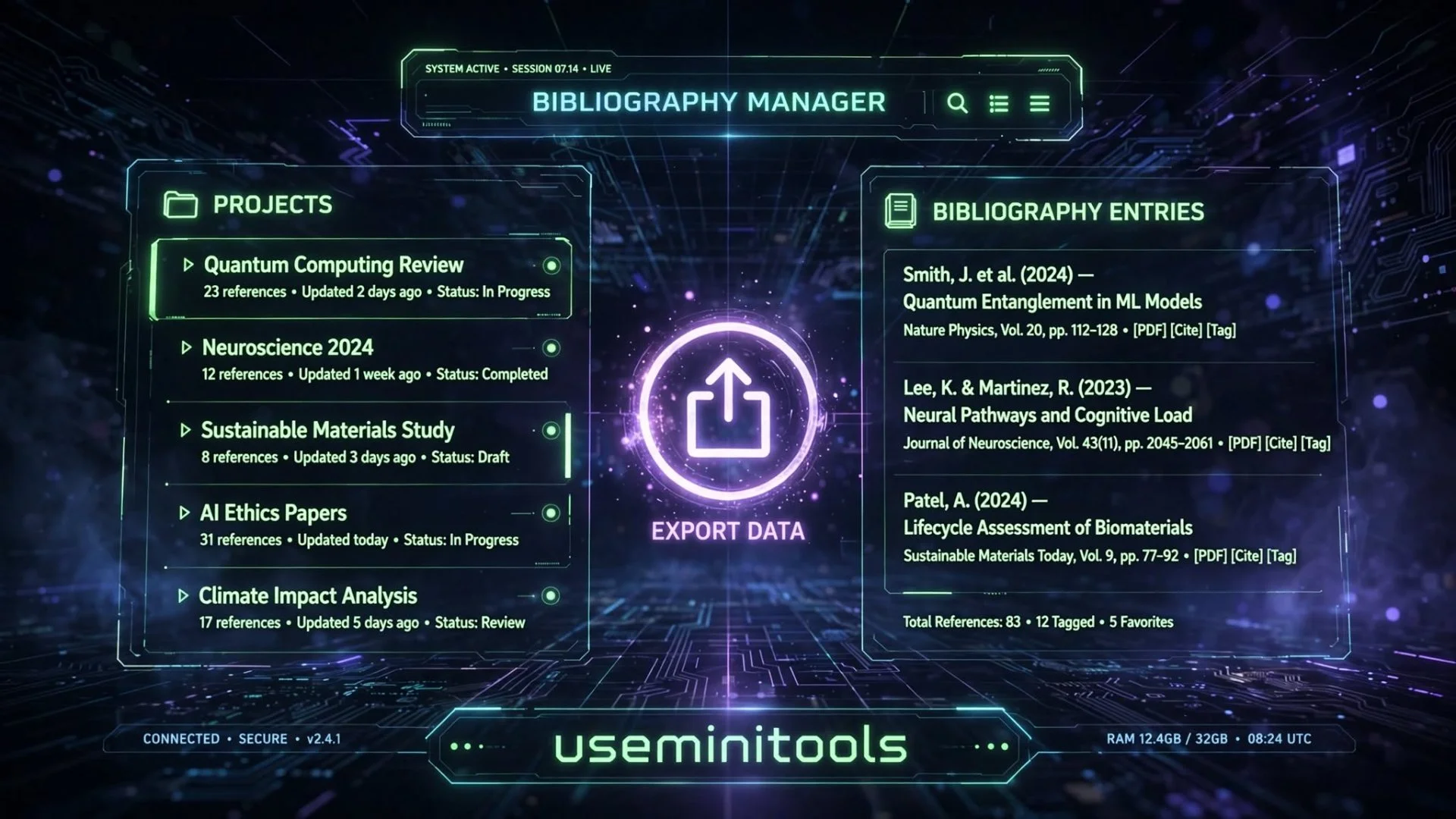
Typing out long URLs, book titles, and publication dates manually can slow down your workflow when you have a dozen sources to log.
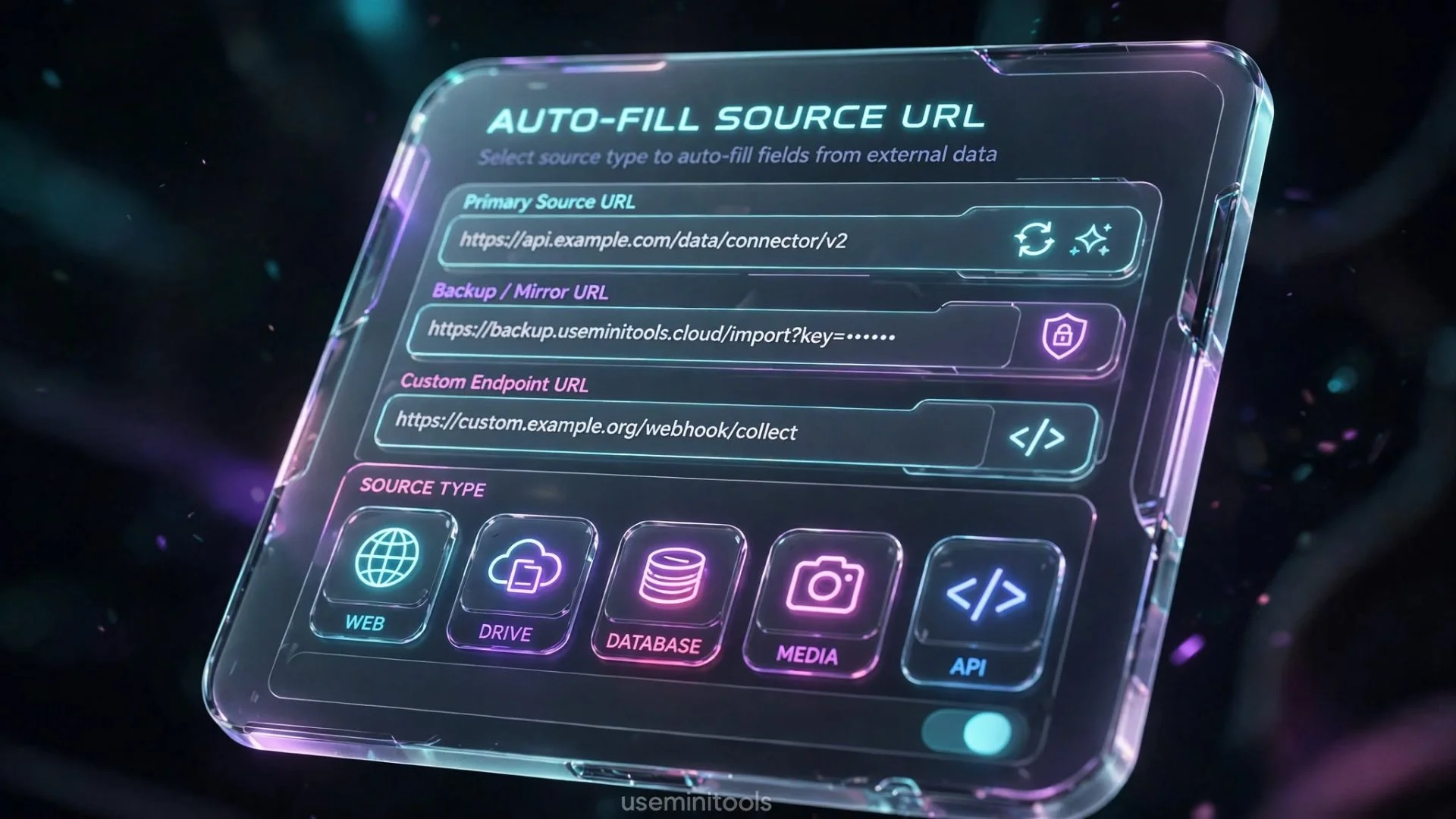
To save you time, our tool features a built-in URL auto-fill utility. If you are citing a web page or online article, simply paste the link into the auto-fill bar. The system pulls the public title, author name, and publishing date straight from the page header, populating your form fields in seconds.
Note: This is the only feature that communicates externally, sending just the URL you provide to read its public metadata—nothing else about your project ever leaves your device.
Beyond individual citations, our full Bibliography Manager lets you group your references into separate project lists. You can search through your entries, filter by source type, sort them alphabetically or chronologically, and reorder items with a single click. When your project is complete, you can export your entire reference list instantly to Word documents, plain text, BibTeX, RIS, CSV, or JSON formats.
Walkthrough: Build an Annotated Bibliography in Five Minutes
An annotated bibliography is a reference list with one extra layer: under each entry, you write a short paragraph of your own — what the source says, whether it's credible, and how you used it. Professors assign them for one blunt reason: an annotation proves you actually read the source instead of harvesting citations the night before.
Here's the full workflow in this tool:
Open the generator and pick your style — APA 7 for this example.
Choose your source type. The form reshapes itself to show only the fields that style expects.
Fill the fields, or paste the URL into the auto-fill bar and let it pull the title, author, and date for you.
Find the annotation field and write three or four sentences using this formula: what the source argues, why it's credible (or where it's limited — method, sample size, publication type), and how it fits your paper.
For example: "[Author] argues that [main claim]. The study draws on [method/sample], which makes it [strong/moderate] evidence for [topic]. I use it in Section 2 to establish [purpose]."
Add the entry to your bibliography project.
Repeat for every source. The manager keeps them grouped, searchable, and filterable, so you can audit your coverage — three journal studies and a book chapter, for instance — at a glance.
When you're done, sort alphabetically by author (APA requires it) and export the whole list to Word.
The annotation itself is the part students overthink. You're not writing a review — three honest sentences beat a paragraph of hedging. Name the claim, weigh the evidence, state your use. Done.
People Also Ask
How do I generate a citation online for free?
Simply open our citation tool, select your preferred academic style (such as APA or MLA), choose your source type, and fill out the fields. You can also paste a webpage URL to auto-fill details instantly, and copy your formatted reference right from the live preview box.
Does this tool support annotated bibliographies?
Yes! When filling out your source details, you can use the optional annotation field to add your own summary or evaluation notes, which will be neatly structured alongside your reference entry.
Is my research data saved securely?
Absolutely. useminitools.com prioritizes your privacy. All your citation projects, custom lists, and reference details are saved locally inside your browser storage on your device. They are never logged or stored on external cloud databases.
What export formats are available for my reference list?
You can export your completed bibliography in multiple formats including Microsoft Word (.doc), plain text (.txt), BibTeX (.bib) for LaTeX users, RIS files for reference managers like Zotero or EndNote, CSV, and JSON.
Final Words
Writing research papers and essays is challenging enough without having to stress over misplaced periods, italics, and bracket placements. With support for 8 academic styles, 21 source types, quick URL auto-fill, and flexible project exports, our tool turns reference formatting from a tedious chore into a seamless step.
Take a moment to bookmark the page, test out your current research links, and experience a cleaner, faster way to build your bibliography.
Internal Linking Hint: Ready to organize your research and finish your reference page? Head over to the Citation Generator tool page and build your bibliography now!

Cipher
Founder & Lead Developer, ToolKit
Cipher is an independent developer who prefers to let the work speak for itself. He designed and coded every tool on ToolKit to ensure they remain fast, private, and beautifully designed for everyone. Focused on building premium browser-based utilities that respect user privacy.
